 What is WhatsApp Business Automation? Features, Benefits & Setup Process
Introduction: Are You Still Replying to Customers Manually on WhatsApp?
If your sales team is spending hours copy-pasting the same "Thank you for your enquiry" message — you're losing time, money, and customers.
India has over 500 million active WhatsApp users, making it the world's largest market for the platform. Yet most businesses still treat WhatsApp like a personal chat app — no automation, no CRM sync, no analytics.
Here's the opportunity: Businesses using WhatsApp Business Automation report up to 3x higher response rates compared to email and SMS. With open rates crossing 98%, WhatsApp is the most powerful customer communication channel available today — if you know how to use it right.
This guide explains everything about WhatsApp Business Automation: what it is, how it works, key features, setup process, and how Indian businesses — from e-commerce brands to NBFCs — are using it to grow faster.
What is WhatsApp Business Automation?
WhatsApp Business Automation refers to using technology to automatically send, receive, and manage WhatsApp messages without human intervention for routine tasks.
Instead of manually replying to every customer query, you set up automated workflows that:
- Instantly respond to incoming messages 24/7
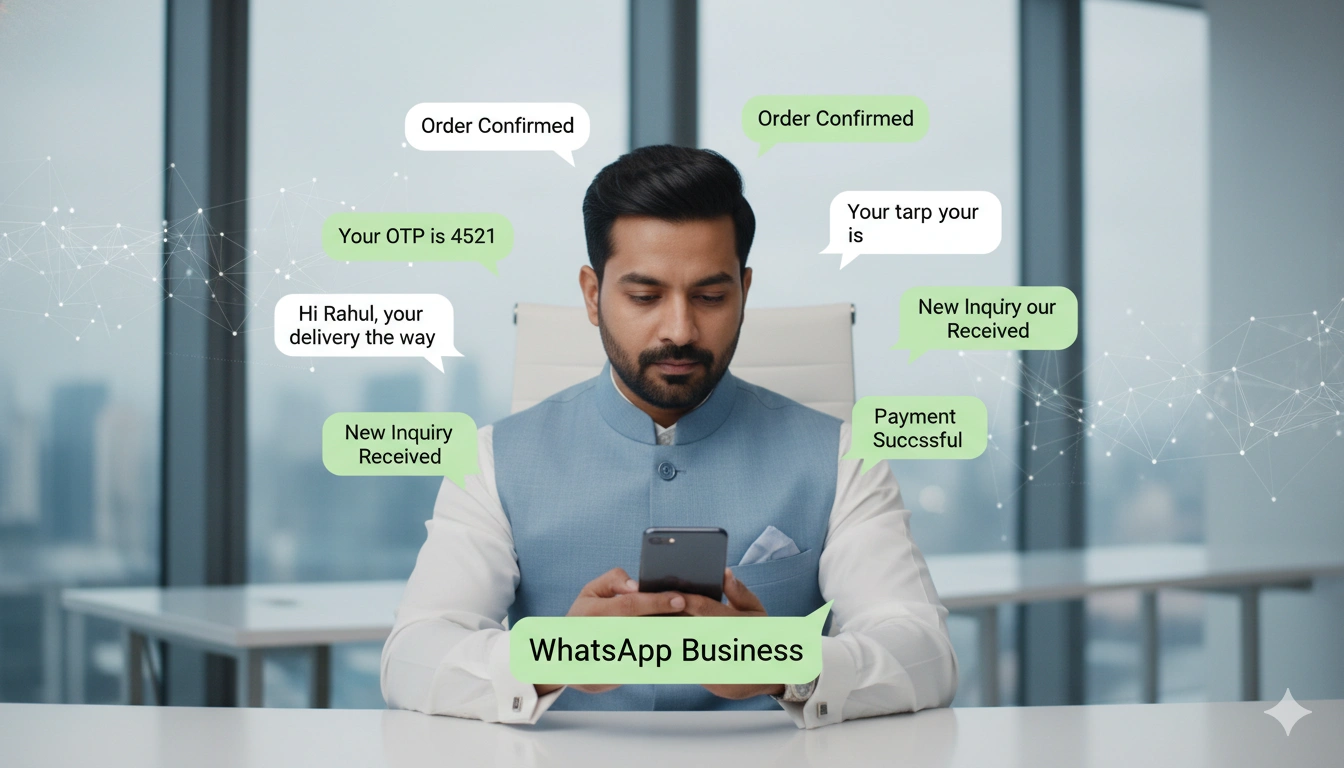
- Send order updates, OTPs, and payment confirmations automatically
- Qualify leads through chatbot conversations
- Broadcast promotional messages to thousands of customers at once
- Integrate with your CRM, e-commerce platform, or ERP
This is made possible through the WhatsApp Business API — Meta's official channel for businesses to connect WhatsApp with their backend systems through a verified API provider like SMSGatewayHub.
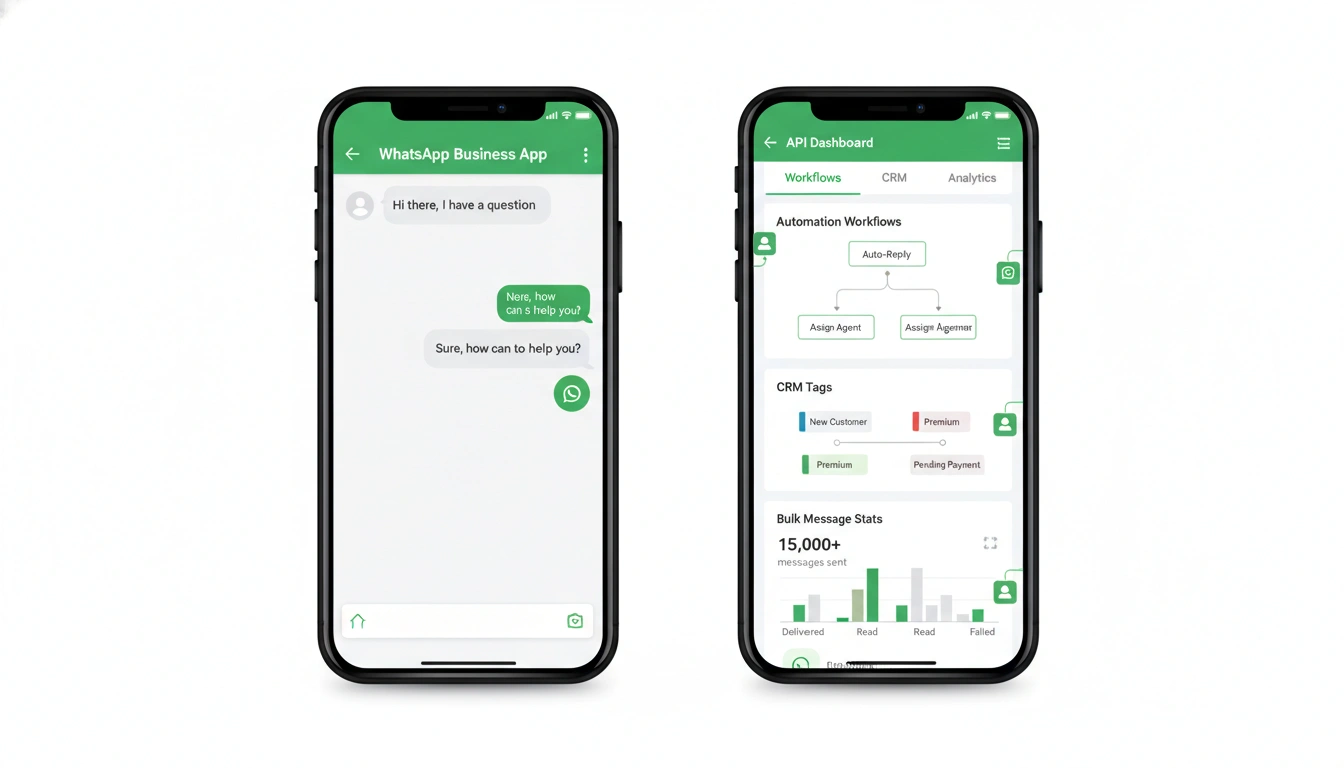
WhatsApp Business App vs WhatsApp Business API: What's the Difference?
Many business owners confuse the free WhatsApp Business App with the WhatsApp Business API. Here's a quick comparison:
| Feature | WhatsApp Business App | WhatsApp Business API |
|---|---|---|
| Cost | Free | Paid (per conversation) |
| Users supported | 1–4 devices | Unlimited agents |
| Automation / Chatbot | Very limited | Full automation possible |
| Broadcast limit | 256 contacts | Unlimited (opted-in users) |
| CRM integration | Not available | Full integration |
| Official verification | Basic | Green tick verification |
| Best for | Small shops | SMEs, enterprises, D2C brands |
| Compliance | Basic | Meta + TRAI compliant |
Important: Many businesses use unofficial or grey-market WhatsApp automation tools. These violate Meta's Terms of Service and risk permanent account bans. Always use the official WhatsApp Business API through a Meta Business Solution Provider (BSP) like SMSGatewayHub.
Key Features of WhatsApp Business Automation
1. WhatsApp Chatbot
A WhatsApp chatbot is an automated conversational agent that handles customer queries without any human involvement.
- Greet new customers automatically
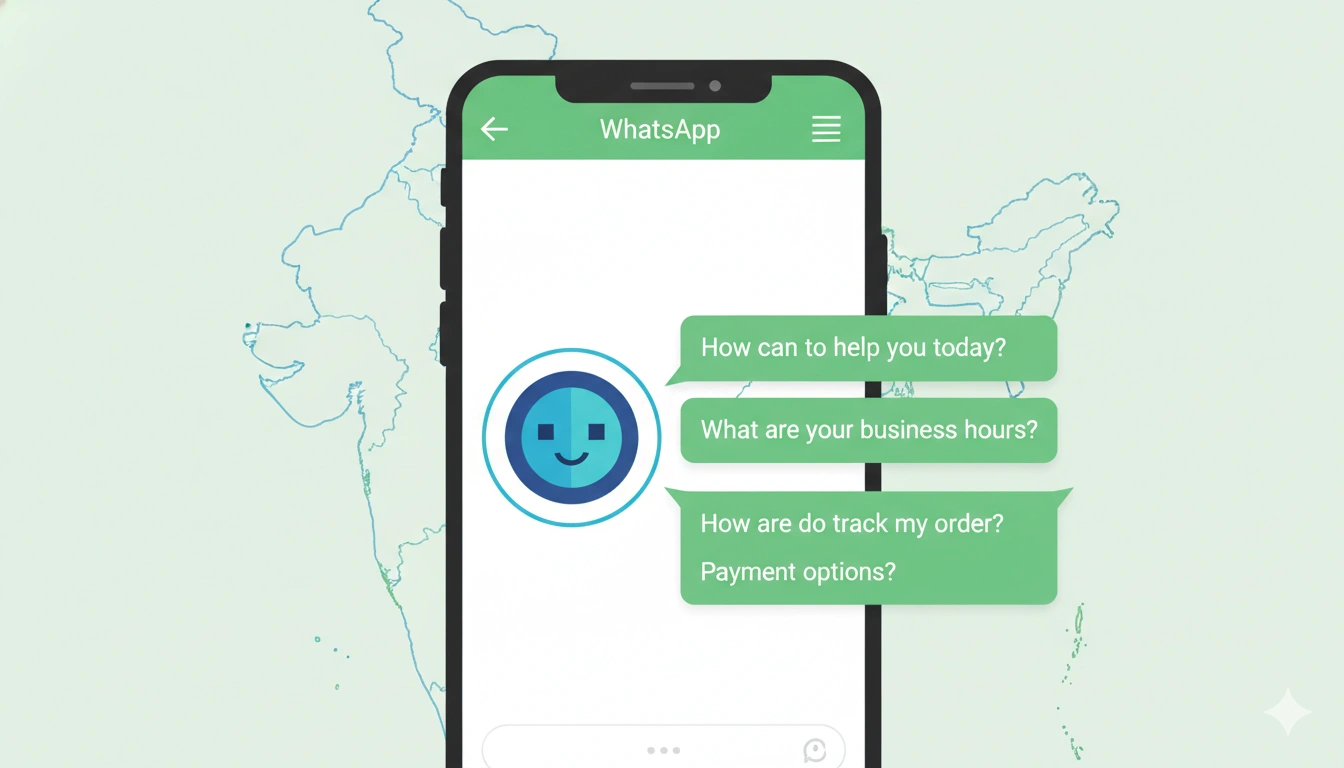
- Answer FAQs (pricing, availability, store timings)
- Qualify leads by asking pre-set questions
- Route complex queries to human agents
- Available 24/7, even on weekends and holidays
Example: A real estate company in Mumbai set up a WhatsApp chatbot that qualifies every incoming lead — asking for budget, location preference, and purpose — before handing off to a sales agent. They reduced lead qualification time from 2 hours to 3 minutes.
2. Auto-Replies & Quick Responses
Set up instant, contextual auto-replies for:
- "Away" messages when your team is offline
- Welcome messages for first-time contacts
- Keyword-triggered responses (e.g., type "PRICE" to get a price list)
- Confirmation messages after form submissions or purchases
Manual replies waste your team's time on repetitive tasks. Automation ensures every customer gets an instant, professional response — every single time.
3. Broadcast Automation
Send bulk WhatsApp messages to your entire customer list — but smarter:
- Schedule campaigns in advance
- Segment your audience (new leads, active customers, churned users)
- Personalize messages with customer name, order ID, or product details
- Track delivery rates, read rates, and click-throughs
Unlike spam-style broadcast tools, API-based WhatsApp marketing automation only messages users who have opted in — keeping you compliant and your brand reputation intact.
4. CRM & Third-Party Integration
WhatsApp Business API connects with your existing tools:
- CRM platforms (Zoho, HubSpot, Salesforce, Leadsquared)
- E-commerce platforms (Shopify, WooCommerce, Magento)
- Payment gateways (Razorpay, PayU, Cashfree)
- Helpdesk tools (Freshdesk, Zendesk)
- Custom ERP or internal systems via REST API
This means customer conversations, purchase history, and ticket status all live in one place — giving your team full context on every interaction.
5. Order & Payment Automation
For e-commerce and D2C brands, WhatsApp automation transforms the post-purchase experience:
- Order confirmation sent instantly after purchase
- Shipping updates with tracking links
- Delivery alerts when the package is out for delivery
- Payment reminders for pending invoices or EMIs
- Abandoned cart recovery messages to bring back customers
Banks and NBFCs use this for EMI reminders, KYC alerts, loan disbursement notifications, and fraud alerts — all automated, all compliant.
Benefits of WhatsApp Automation for Business
1. Accelerate Lead Generation
WhatsApp's response rate is dramatically higher than email or cold calls. With automation:
- Capture leads from ads using Click-to-WhatsApp campaigns
- Instantly send product catalogs, brochures, or demo links
- Follow up automatically if the lead doesn't respond within 24 hours
- Nurture leads through a pre-built drip message sequence
2. 24/7 Customer Support Without Extra Manpower
Your support team can't work round the clock — but your chatbot can. Automate responses to the most common 80% of queries and let human agents handle only complex issues. This cuts support costs by 30–40% while improving customer satisfaction.
3. Higher Engagement Rates
WhatsApp messages achieve open rates of up to 98%, compared to just 20–25% for email. Customers actually read your messages — and respond. This makes WhatsApp the highest ROI channel for re-engagement campaigns, feedback collection, and promotional offers.
4. Reduced Manpower Costs
Automation replaces repetitive manual work:
- No need for a large team to send order updates
- Chatbots handle first-level support without agents
- Broadcast campaigns reach thousands with one click
- Fewer errors compared to manual messaging
For growing startups and D2C brands, this means you can scale customer communication without proportionally scaling your team.
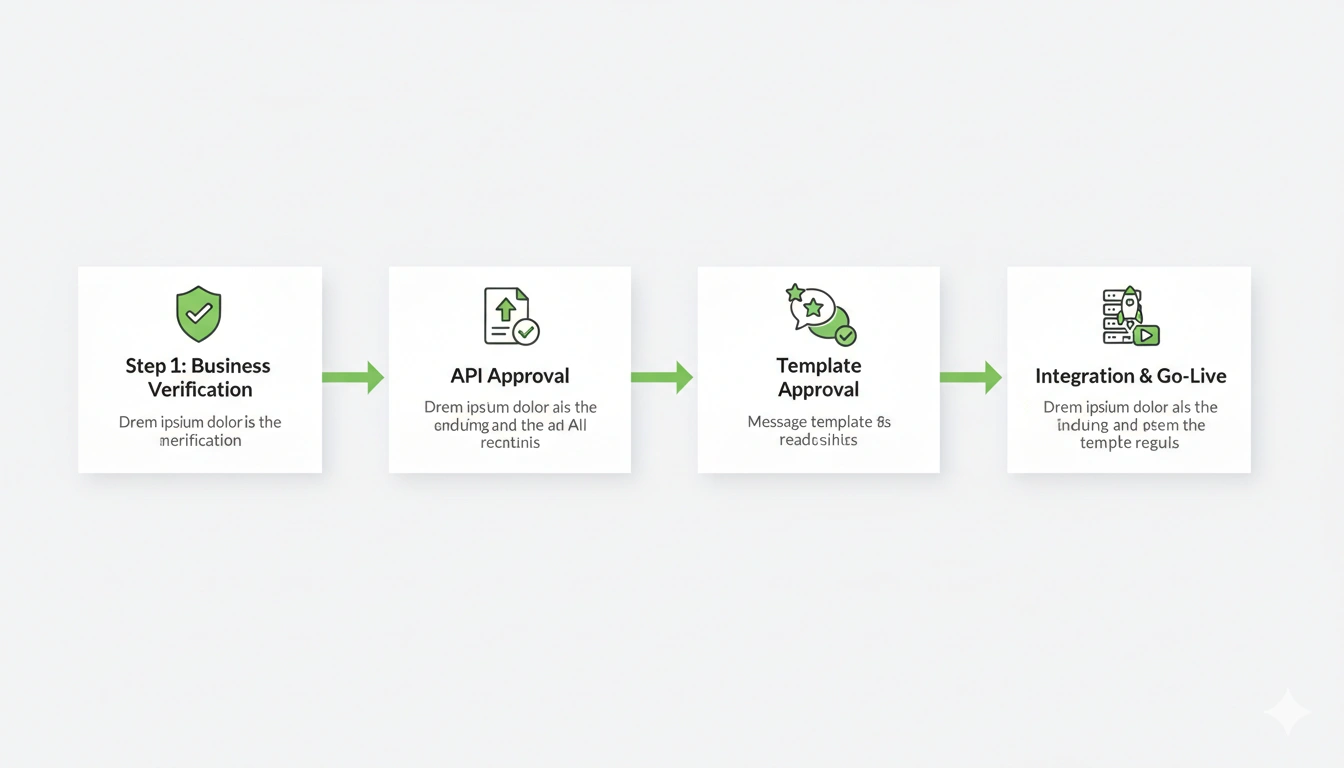
Step-by-Step WhatsApp Business API Setup Process
Setting up WhatsApp Business API in India involves a few key steps. Here's a simplified walkthrough:
Step 1: Business Verification on Meta Business Manager
- Create or log into your Meta Business Manager account
- Submit your business details — GST number, website, and registered business name
- Complete identity verification (takes 1–3 business days)
Step 2: Apply for WhatsApp Business API Access
- Connect with an official Meta BSP (Business Solution Provider) like SMSGatewayHub
- Your BSP handles the API application process on your behalf
- Provide a dedicated phone number (not already linked to a WhatsApp account)
- Meta reviews and approves your account (typically within 1–7 days)
Step 3: WhatsApp Message Template Approval
- All outbound messages require pre-approved message templates
- Templates are categorized as: Utility, Authentication, or Marketing
- Submit templates through your BSP dashboard
- Meta reviews templates for compliance (usually within 24 hours)
Step 4: Integration & Go-Live
- Integrate the API with your CRM, website, or app using your BSP's documentation
- Set up chatbot flows, auto-replies, and broadcast lists
- Test all workflows before going live
- Monitor analytics from the BSP dashboard
Pro Tip: Always use Meta-approved templates and official API channels. Using unofficial tools risks your WhatsApp number being permanently banned — a risk no business can afford.
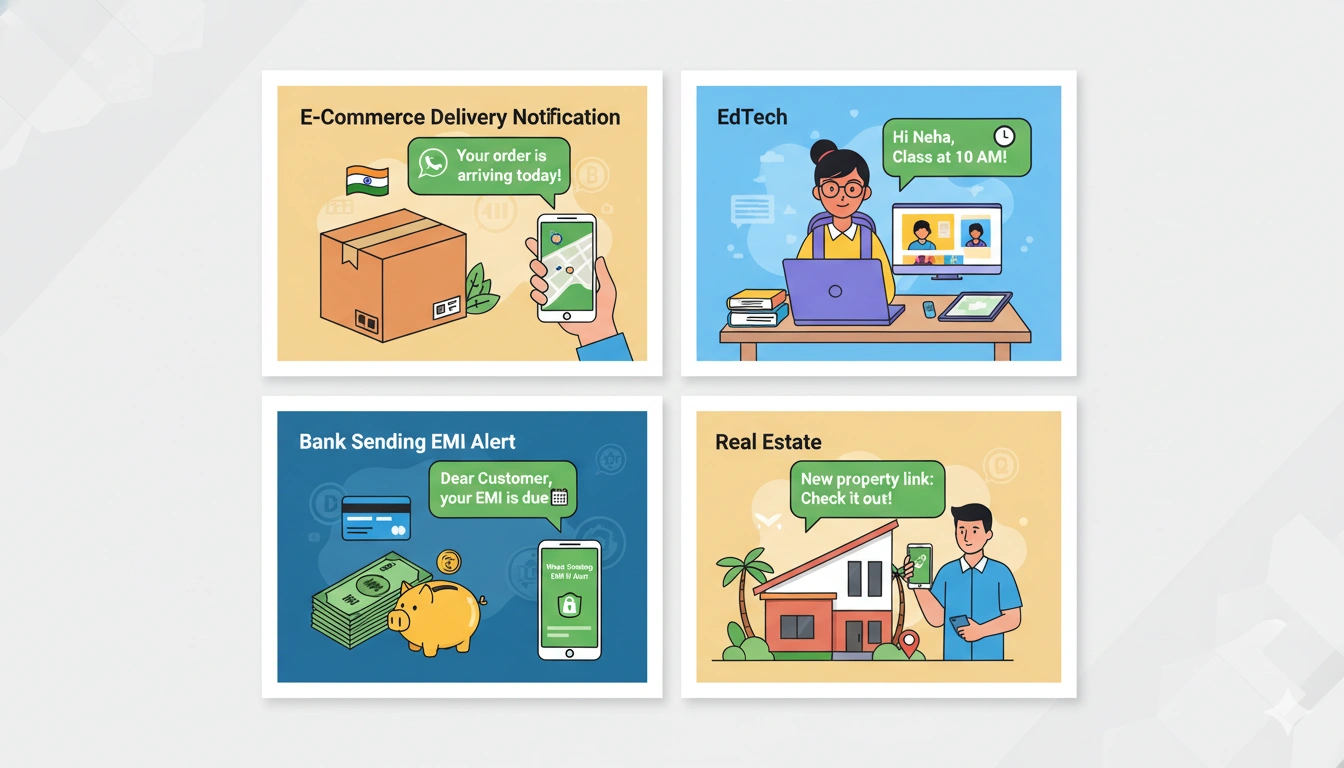
WhatsApp Business Automation: Use Cases in India
E-Commerce & D2C Brands
Flipkart sellers, Meesho vendors, and standalone D2C brands use WhatsApp automation for order confirmations, shipping alerts, return/exchange flows, and repeat purchase nudges. Abandoned cart recovery via WhatsApp alone can recover 10–15% of lost sales.
Education Sector (EdTech & Institutes)
Coaching institutes, colleges, and EdTech platforms use WhatsApp chatbots to answer admission queries, share fee structures, send exam schedules, collect feedback, and run live class reminders.
Banking, NBFCs & Fintech
Banks use WhatsApp for KYC document collection, loan status updates, EMI reminders, credit card statements, and fraud alert notifications. The high open rate ensures critical financial information reaches customers instantly.
Real Estate
Realtors and property developers use WhatsApp chatbots to qualify incoming leads from property portals, share virtual tour links, schedule site visits, and follow up with customized offers — all without a single manual call.
WhatsApp API Pricing: What to Expect
WhatsApp Business API pricing in India is generally conversation-based, meaning you pay per 24-hour conversation window rather than per individual message.
There are three conversation categories:
- Marketing conversations – Promotional campaigns and offers
- Utility conversations – Order updates, alerts, transactional messages
- Authentication conversations – OTPs and verification codes
Prices vary based on your BSP, conversation volume, and whether the conversation is customer-initiated or business-initiated. Most BSPs like SMSGatewayHub offer flexible monthly plans suitable for businesses of all sizes — from startups sending a few hundred messages to enterprises sending millions.
For accurate pricing tailored to your business volume, it's best to speak directly with an API provider.
Why Choose SMSGatewayHub for WhatsApp Business Automation?
SMSGatewayHub is one of India's leading providers of Bulk SMS and WhatsApp Business API solutions, trusted by thousands of businesses across banking, e-commerce, education, and healthcare.
Here's what sets SMSGatewayHub apart:
- Meta-authorized BSP – Official API access, fully compliant with Meta policies
- Easy onboarding – Get your WhatsApp API account live in as little as 48 hours
- No-code chatbot builder – Set up automated flows without writing a single line of code
- CRM & platform integrations – Works with Zoho, Shopify, Leadsquared, and more
- Dedicated support – India-based team available to help with setup, template approvals, and troubleshooting
- Transparent pricing – No hidden fees, pay only for what you use
- DLT compliant – Full support for TRAI DLT registration for SMS alongside WhatsApp
Whether you're a startup sending your first campaign or an NBFC managing lakhs of customer conversations, SMSGatewayHub has the infrastructure and expertise to scale with you.
Frequently Asked Questions (FAQs)
Q1. What is the difference between WhatsApp Business App and WhatsApp Business API?
The WhatsApp Business App is a free mobile app suited for very small businesses with limited automation. The WhatsApp Business API is designed for medium to large businesses and supports full automation, chatbots, CRM integration, and unlimited scale. The API requires an approved provider like SMSGatewayHub.
Q2. Is WhatsApp Business API legal and safe to use in India?
Yes. Using the official WhatsApp Business API through a Meta-authorized BSP is fully legal and compliant. It's the unofficial, grey-market tools that violate Meta's Terms of Service and risk account bans.
Q3. How long does it take to get WhatsApp Business API approved?
With a reliable BSP like SMSGatewayHub, the process typically takes 2–7 business days, including Meta Business verification and phone number registration.
Q4. Can I send bulk WhatsApp messages to customers without getting banned?
Yes, but only through the official API and only to customers who have opted in to receive messages. Sending unsolicited bulk messages using unofficial tools is against Meta's policies and will result in account suspension.
Q5. What industries benefit most from WhatsApp automation in India?
E-commerce, banking and NBFCs, real estate, education/EdTech, healthcare, travel, and logistics businesses in India see the highest ROI from WhatsApp Business Automation due to their high volume of transactional and customer service communication.
Q6. Do I need technical knowledge to set up WhatsApp automation?
Not necessarily. Platforms like SMSGatewayHub provide no-code dashboards and dedicated onboarding support, making it possible for non-technical business owners and marketers to set up automation flows without any coding knowledge.
Q7. How is WhatsApp marketing automation different from spam?
Official WhatsApp marketing automation only messages users who have actively opted in to receive communications from your business. All messages go through Meta-approved templates. This is fundamentally different from spam, which involves unsolicited messages sent at scale using unofficial tools.
Ready to Automate Your Business on WhatsApp?
Stop losing leads to slow response times. Stop spending hours on manual follow-ups. Stop letting your competitors win customers simply because they replied faster.
SMSGatewayHub's WhatsApp Business API solution gives you everything you need to automate customer communication, generate more leads, and deliver outstanding support — all from India's most trusted messaging platform.
👉 Request a Free WhatsApp API Demo Today — Our team will walk you through the entire setup, from Meta verification to your first automated campaign, at zero cost.
Have questions? Call us, WhatsApp us, or drop an email. We'll get back to you within minutes — automatically, of course.
👉 Get Free Demo | 👉 Talk to Bulk SMS Expert | 👉 Start Sending SMS Now
Contact SMSGatewayHub:
📞 Call: +91-9907922122
📧 Email: support@smsgatewayhub.com
🌐 Visit: www.smsgatewayhub.com