If you use the SMPP protocol to send SMS messages, you can add your SMPP details on WebEngage by clicking on the SMPP box under the Available SMS Service Providers (SSP) section. In the configuration modal, enter the following information of your SMPP gateway: SMSC Host, SMSC Port, System ID, and Password.
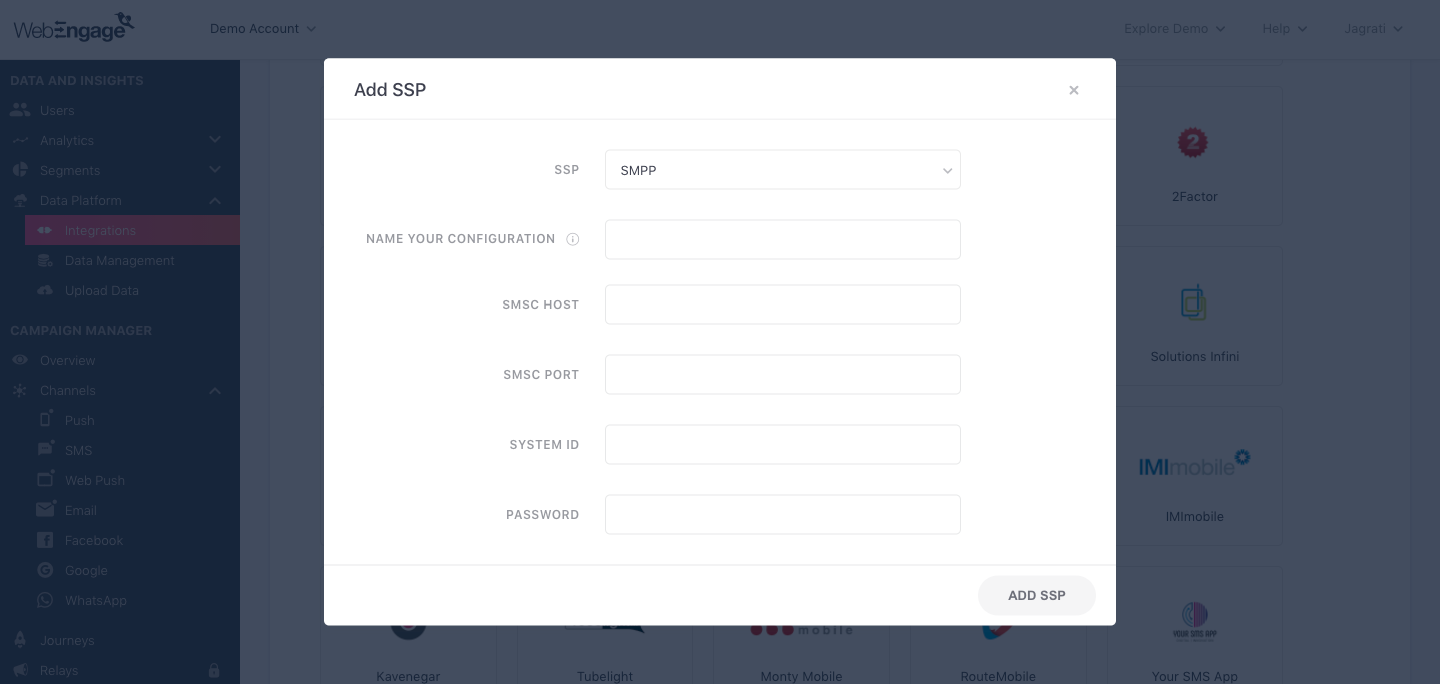
As shown above:
Please add a user-friendly name that enables you to identify the right SSP for a campaign while creating it. This comes in handy, especially when you have multiple accounts with the same SSP, for sending different types of campaigns.
For example, if you have chosen to use SMPP for sending Promotional campaigns, then we recommend that you indicate the same by naming the configuration something like:
- SMPP Promo
- SMPP Promo Pipeline
Click on Add SSP, and you are good to go!
if you need SMPP Gateway please do visit to create smpp account : https://www.smsgatewayhub.com/Register