So you've decided to add SMS capabilities to your application. Smart move! Whether you're building authentication flows, sending notifications, or creating marketing campaigns, integrating an SMS API is one of those features that sounds complicated but is actually pretty straightforward—if you know what you're doing.
I've helped dozens of developers integrate SMS APIs into their applications, and I can tell you the biggest mistake isn't technical—it's choosing the wrong provider or rushing the integration. Let me walk you through everything you need to know.


Why SMS API Integration Matters for Your Business
Before we dive into the technical stuff, let's talk about why this matters. You could build your own SMS infrastructure, but that's like building your own email server in 2025—technically possible but practically insane.
A good SMS API India solution gives you instant access to carrier networks across the country without dealing with telecom regulations, routing complexities, or infrastructure headaches. You focus on your application logic; they handle the messaging infrastructure.
Understanding SMS APIs: The Basics
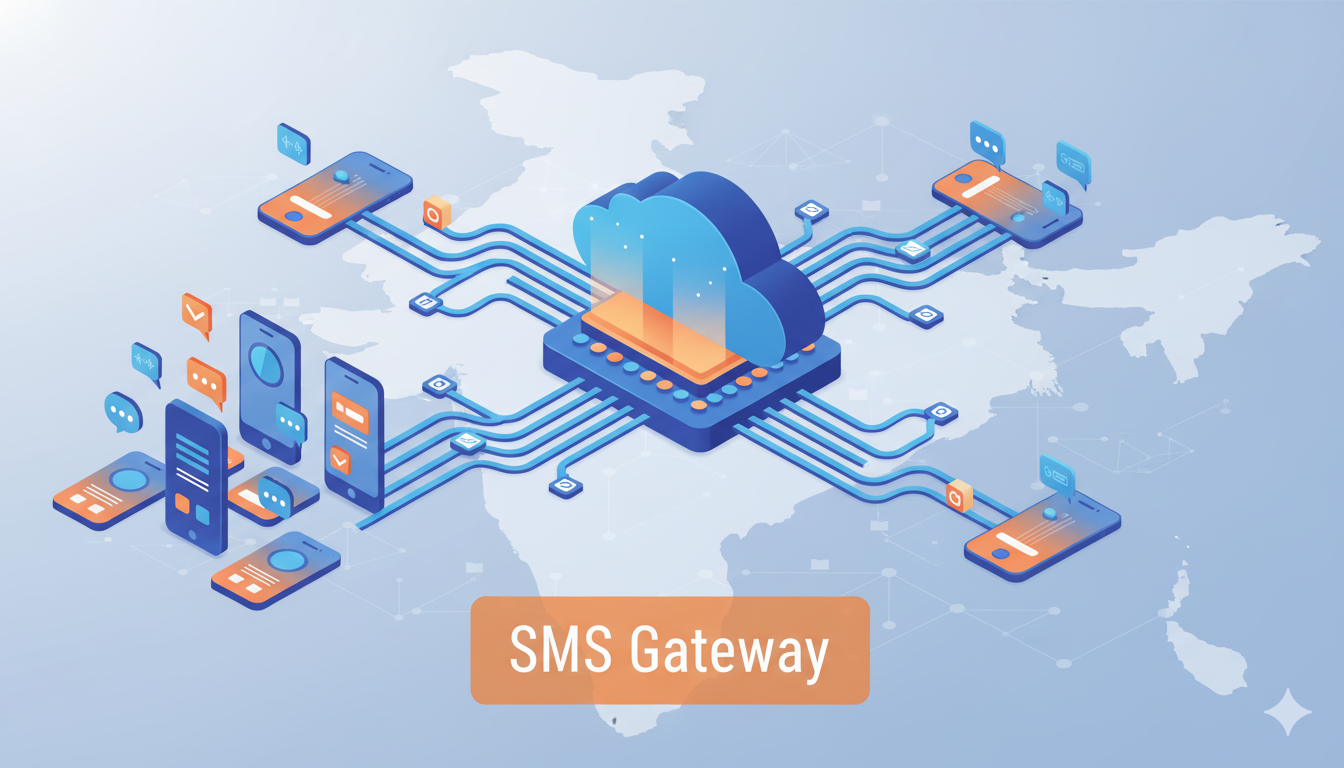
Think of an SMS API as a messenger service for your application. Your code makes a simple request saying "send this message to this number," and the API handles everything else—routing, delivery, retries, and reporting back whether it worked.
Most modern SMS gateway provider services use RESTful APIs, which means you're just making HTTP requests. If you've ever called any web API, you already know 80% of what you need.
Choosing Your SMS Service Provider
Here's where many developers go wrong. They pick the first provider they find or the cheapest option without considering what actually matters.
Delivery Speed: For OTP messages, anything slower than 5 seconds is unacceptable. Your users won't wait around, and abandoned signups cost you real money.
API Documentation: Bad docs mean wasted development time. Look for providers with clear examples in multiple languages, not just generic curl commands.
Error Handling: Things will go wrong—numbers will be invalid, carriers will have issues, DND filters will block messages. Your provider should give you clear error codes and recovery paths.
Rate Limits and Throttling: Understanding how many requests you can make per second matters for high-volume applications.
Step-by-Step Integration Process
Let me break down the actual integration process. I'll keep it language-agnostic since the concepts apply whether you're using Python, PHP, Node.js, or Java.
Step 1: Get Your API Credentials
Every SMS provider gives you API keys or tokens. Treat these like passwords—never commit them to version control, always use environment variables.
You'll typically get an API key, sender ID (the name that appears as the sender), and possibly a base URL for API endpoints.
Step 2: Set Up Your Development Environment
Start with sandbox credentials if available. Most good providers offer test modes where you can make API calls without actually sending messages or spending credits. This is crucial for development and testing.
Install any SDKs or libraries your provider offers. While you can make raw HTTP requests, SDKs handle authentication, error handling, and retry logic for you.
Step 3: Your First API Call
Here's what a basic send message request looks like conceptually:
You make a POST request to the send endpoint with your message details—recipient number, message text, sender ID. The API returns a message ID you can use for tracking.
The actual implementation varies by provider, but the flow is always the same: authenticate, send request, handle response.
Step 4: Handle Responses and Errors
Good APIs return detailed responses. You'll get a message ID for successful sends, or error codes explaining what went wrong. Common issues include invalid numbers, insufficient credits, or DND restrictions.
Build proper error handling from day one. Don't just log errors—have fallback strategies. Maybe retry through an alternative route or notify your ops team.
Integration Patterns for Common Use Cases
Different applications need different approaches. Let's look at the most common scenarios.
OTP Authentication
For OTPs, speed and reliability are everything. You need synchronous confirmation that the message was accepted by the carrier. Generate your OTP, send it via API, store the code with an expiration time, and wait for user input.
Pro tip: Always have a "resend OTP" option. Network issues happen, and users shouldn't be locked out because of carrier problems.
Transactional Notifications
Order confirmations, booking details, delivery updates—these need to be sent reliably but don't require immediate user action. You can often queue these messages and send them asynchronously.
Consider implementing a queue system using Redis or RabbitMQ. This prevents message bursts from overwhelming your API rate limits.
Bulk Campaigns
When sending to thousands or millions of users, you need a different approach. Bulk SMS India services usually provide special endpoints for bulk operations.
Instead of individual API calls, you upload a CSV or make batch requests. This is more efficient and often gets better rates.
Security Best Practices
SMS carries sensitive information, so security can't be an afterthought.
Never Log Message Content: Your logs might capture user data, OTPs, or personal information. Log metadata only—message IDs, timestamps, delivery status.
Implement Rate Limiting: Prevent abuse by limiting how many messages a user can trigger. Otherwise, attackers can drain your credits or harass users.
Validate Phone Numbers: Use proper validation before making API calls. This saves credits and improves deliverability.
Use HTTPS Always: This should be obvious, but only communicate with your SMS API over encrypted connections.
Monitoring and Analytics
Integration isn't done when the code works. You need visibility into what's happening.
Track delivery rates by carrier and region. If Airtel messages deliver at 95% but Jio is at 80%, you need to know. Good SMS gateway provider dashboards show this, but also log it yourself.
Monitor API response times. If your provider suddenly takes 10 seconds instead of 2, that affects user experience.
Set up alerts for unusual patterns—sudden drops in delivery rate, API errors spiking, or credit balance running low.
Common Integration Mistakes to Avoid
I've seen these issues repeatedly across different projects:
Not Testing with Real Numbers: Sandbox testing is great, but always test with actual phone numbers on different carriers before going live.
Ignoring DND Regulations: In India, you can't send promotional messages to DND numbers. Make sure your provider handles this, or filter numbers yourself.
Poor Error Messages to Users: When SMS fails, tell users something went wrong and offer alternatives. Don't just show a generic error.
No Fallback Strategy: What happens if your primary SMS provider goes down? Having a backup provider with the same integration pattern saves you during outages.
Optimization Tips
Once you're live, here's how to make things better:
Cache Sender IDs: If your provider requires sender ID approval, cache approved IDs to avoid API calls for validation.
Batch Where Possible: Sending 100 individual API requests is slower and more expensive than one batch request with 100 recipients.
Use Webhooks for Status: Instead of polling for delivery status, let the provider push updates to your webhook endpoint.
Implement Smart Retries: If a message fails due to temporary issues, retry with exponential backoff. But don't retry user-triggered errors like invalid numbers.
Testing Your Integration
Before going to production, test these scenarios:
Send to valid numbers across all major carriers. Send to invalid numbers and verify error handling. Test rate limiting by sending rapid-fire requests. Simulate carrier delays and verify timeout handling. Check weekend and holiday delivery since some routes behave differently.
Load test with your expected peak volume plus 50%. Better to find bottlenecks in testing than during your launch.
Scaling Considerations
As your application grows, your SMS integration needs to scale. Consider these architectural patterns:
Use message queues to handle spikes in volume. Implement connection pooling for API calls. Cache frequently-used data like sender IDs and templates. Consider dedicated SMS microservices if you're using microservice architecture.
Moving to Production
When you're ready to go live, double-check everything. Switch from sandbox to production credentials, update rate limits to production values, enable monitoring and alerting, and set up a runbook for common issues.
Have a rollback plan. If something goes wrong, you should be able to switch back to your old system or disable SMS features without breaking your entire application.
The Bottom Line
SMS API integration doesn't have to be complicated. Choose a reliable provider, follow best practices for security and error handling, and monitor everything. Most issues aren't technical—they're about preparation and planning.
The right SMS API India provider makes integration straightforward with good documentation, helpful support, and reliable infrastructure. Focus on your application logic and let them handle the complexity of message delivery across India's diverse telecom landscape.
Ready to integrate SMS into your application? Start with a provider that offers comprehensive documentation, sandbox testing, and responsive support to make your integration smooth and successful.