Understanding SMS OTPs: The Key to Safer Digital Verification
In an era where online security is more crucial than ever, businesses must verify user identities quickly and securely. Whether it’s logging into an account, resetting a password, or confirming a payment, authentication has become the foundation of digital trust.
One of the simplest and most effective ways to achieve this is through SMS One-Time Passwords (OTPs). This blog explores what SMS OTPs are, how they work, their benefits and limitations, and why businesses continue to rely on them for secure customer verification.
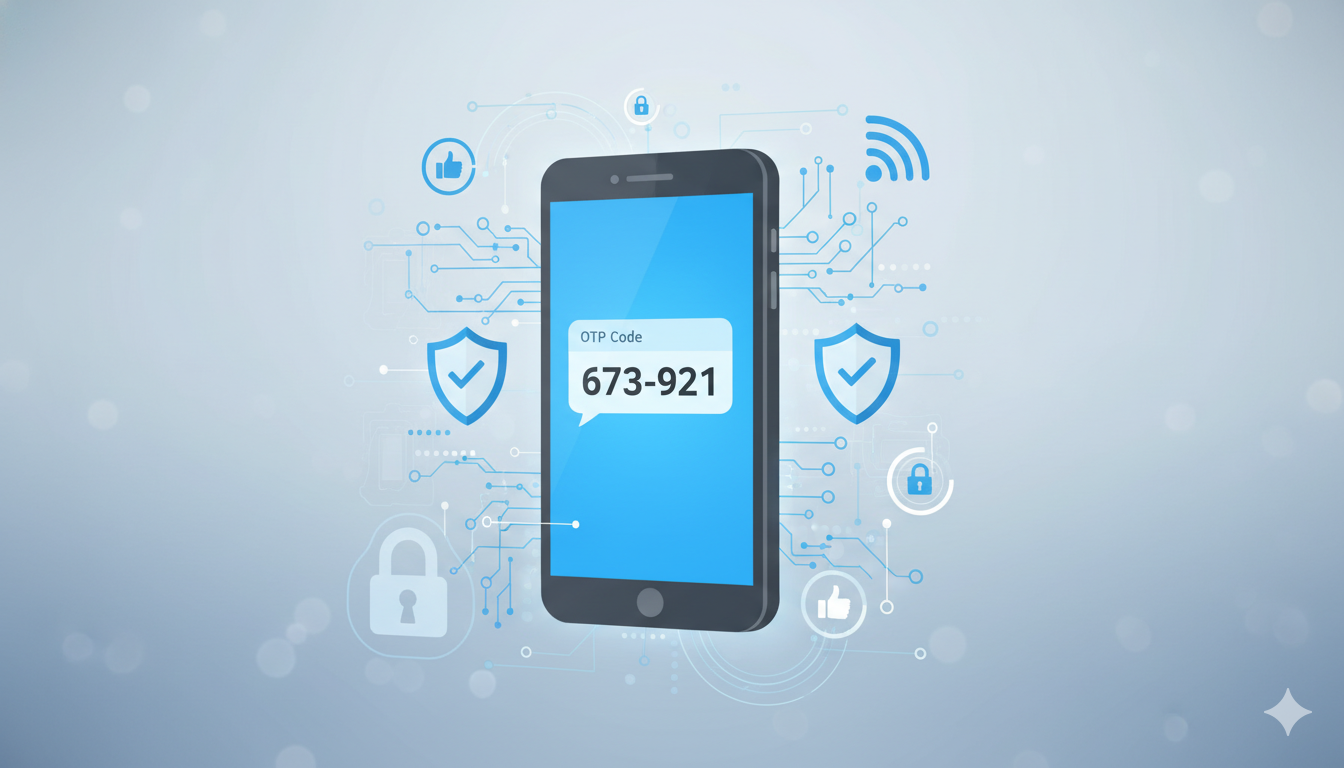
What Is an SMS OTP?
An SMS One-Time Password (OTP) is a temporary, randomly generated code sent via text message to a user’s registered mobile number. The OTP is valid for a single session and usually expires within minutes.
By requiring users to confirm their identity with a code sent to their personal device, SMS OTPs add a critical layer of protection that standard passwords alone cannot provide.
How Does an SMS OTP Work?
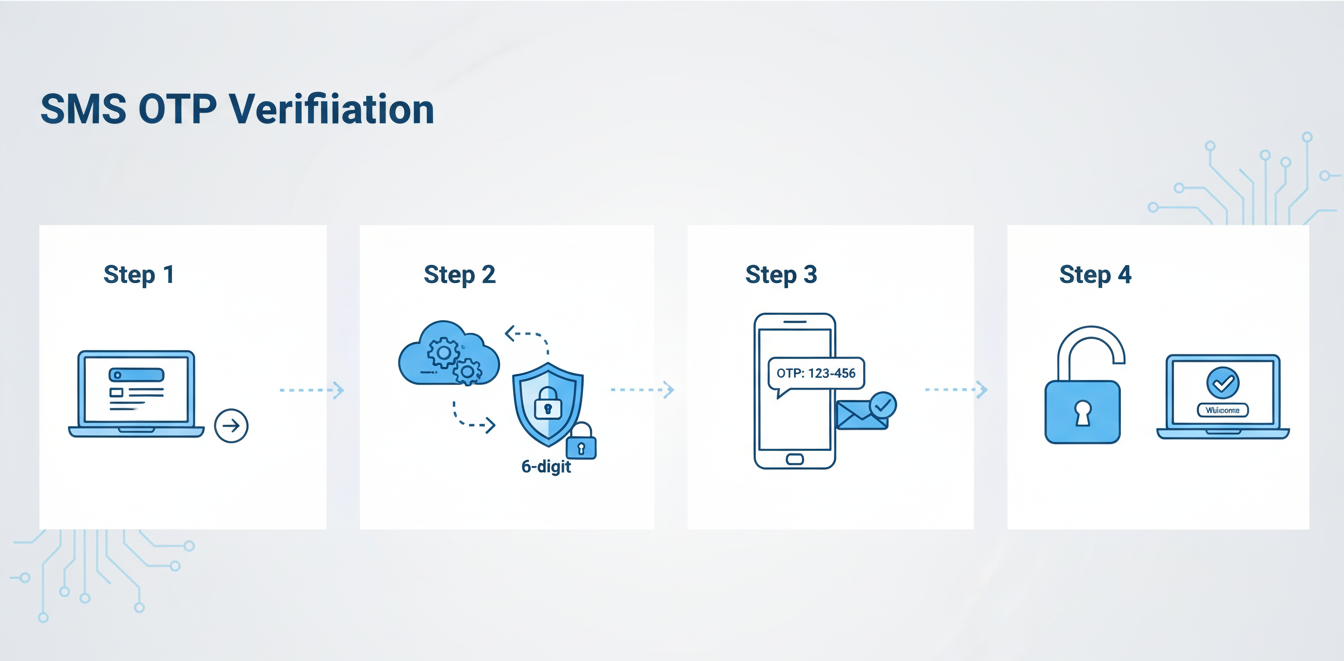
Here’s a quick look at how SMS OTP verification works:
-
User action: The user initiates a secure activity, such as logging in or authorizing a payment.
-
OTP generation: The system instantly creates a unique, time-sensitive code.
-
SMS delivery: The OTP is delivered to the user’s registered mobile phone via text message.
-
Verification: The user enters the code on the website or app to complete authentication.
This streamlined process makes SMS OTPs both simple and highly effective for safeguarding user interactions.

Why Businesses Use SMS OTPs
1. Enhanced Security
Passwords can be stolen, guessed, or reused across accounts. OTPs counter this risk by being valid only once and for a limited time, making unauthorized access significantly harder.
2. Simplicity and Convenience
Users don’t need to install extra applications or maintain an internet connection. A regular mobile network signal is sufficient to receive OTP messages.
3. Broad Accessibility
Because text messaging works on virtually any mobile phone, SMS OTPs can reach customers worldwide — even those without smartphones.
Top Use Cases for SMS OTPs
-
Two-Factor Authentication (2FA): Adds an extra layer of login protection.
-
Account registration: Verifies phone numbers during sign-up.
-
Password recovery: Secures the reset process against unauthorized attempts.
-
Transaction approval: Confirms payments or money transfers securely.
-
Account recovery: Helps users regain access if other methods fail.
When You Don’t Receive an OTP
If you’re waiting for an OTP that hasn’t arrived, try these troubleshooting steps:
-
Check your mobile signal strength.
-
Verify that your registered number is correct.
-
Disable “Do Not Disturb” or message filtering settings.
-
Ensure your message inbox isn’t full.
-
Use the “Resend OTP” option if available.
Occasional delays can occur due to network congestion or carrier issues.
Are SMS OTPs Fully Secure?
While SMS OTPs are a strong security measure, they are not invulnerable. A few risks to be aware of include:
-
SIM swapping: Attackers may gain control of your phone number.
-
Phishing attacks: Fraudsters can trick users into revealing OTPs on fake websites.
-
Telecom vulnerabilities: Weaknesses in mobile network protocols can, in rare cases, be exploited.
For high-risk systems, businesses often pair SMS OTPs with stronger authentication tools such as app-based verifiers or biometrics.
Modern Alternatives to SMS OTPs
Businesses seeking additional layers of protection may also consider:
-
Authenticator apps: Generate time-based codes on a user’s device without relying on a network.
-
Email OTPs: Provide an alternative communication channel for verification.
-
Biometric authentication: Uses fingerprints or facial recognition for added security.
-
Push notifications: Allow users to approve logins within secure mobile apps.
-
Hardware security keys: Offer enterprise-level physical authentication.
Best Practices for Using SMS OTPs Securely
-
Never share OTPs with anyone — not even with customer support.
-
Always verify you’re entering OTPs on legitimate websites or apps.
-
Protect your SIM with a carrier PIN to prevent unauthorized transfers.
-
Use SMS OTPs alongside strong passwords or 2FA for maximum protection.
-
Businesses should choose a reliable SMS gateway provider to ensure fast and secure message delivery.

Choosing a Reliable SMS OTP Service Provider
For businesses, the effectiveness of OTPs depends heavily on reliable delivery. Partnering with a trusted SMS gateway ensures that verification codes reach customers quickly and securely.
One such trusted provider is SMSGatewayHub, which offers scalable and secure OTP SMS services for businesses of all sizes. Their platform supports high-volume message delivery, global reach, and robust data protection — enabling brands to authenticate users and safeguard digital transactions efficiently.
Conclusion
SMS OTPs continue to play a vital role in today’s digital landscape. They combine ease of use with strong security, making them one of the most effective tools for identity verification and fraud prevention.
While not completely immune to modern threats, SMS OTPs remain a cornerstone of secure online interactions — especially when paired with trusted infrastructure. With reliable partners like SMSGatewayHub, businesses can ensure their customers experience both safety and seamlessness in every digital transaction.
Frequently Asked Questions (FAQs) About SMS OTPs
1. What is an SMS OTP?
An SMS OTP (One-Time Password) is a unique, time-sensitive code sent via text message to verify a user’s identity. It ensures that only the rightful account owner can log in, reset a password, or complete a financial transaction.
2. How does an SMS OTP improve online security?
SMS OTPs act as an extra authentication layer beyond a username and password. Even if a hacker obtains login credentials, they still need access to the user’s mobile phone to complete the verification.
3. Is SMS OTP secure for banking and online transactions?
Yes, SMS OTPs provide strong protection for most banking and online activities. However, users should remain alert against phishing scams and SIM-swapping attacks, which can compromise OTP delivery.
4. What should I do if I don’t receive my OTP?
Check your mobile network signal, confirm your registered phone number, disable “Do Not Disturb” mode, and clear your message inbox. You can also click “Resend OTP” or contact customer support if delays persist.
5. What are the best alternatives to SMS OTPs?
Alternatives include authenticator apps, biometric verification (like fingerprints or facial recognition), push notifications, and hardware security keys, which provide even stronger authentication for high-risk systems.
6. Which company provides reliable OTP SMS services?
SMSGatewayHub is a trusted OTP SMS service provider offering fast, secure, and scalable OTP delivery solutions for businesses across industries.